KISS 2.0 Indicator is a sophisticated trend-detection system built for MetaTrader 5, designed to simplify complex market analysis into actionable, high-probability signals. By combining price action momentum with a proprietary trend filter, it identifies market shifts with surgical precision.
The system follows the “Keep It Simple” philosophy, providing clear visual cues that eliminate guesswork. Whether you are trading Gold (XAUUSD), major Forex pairs, or global Indices, KISS 2.0 provides the edge needed to stay on the right side of the trend.
Platform: MT5
Currency Pairs: USD pairs, Indexes, and Gold
Trading Time: 15Min – 1Hr Minimum.
Key Features:
-
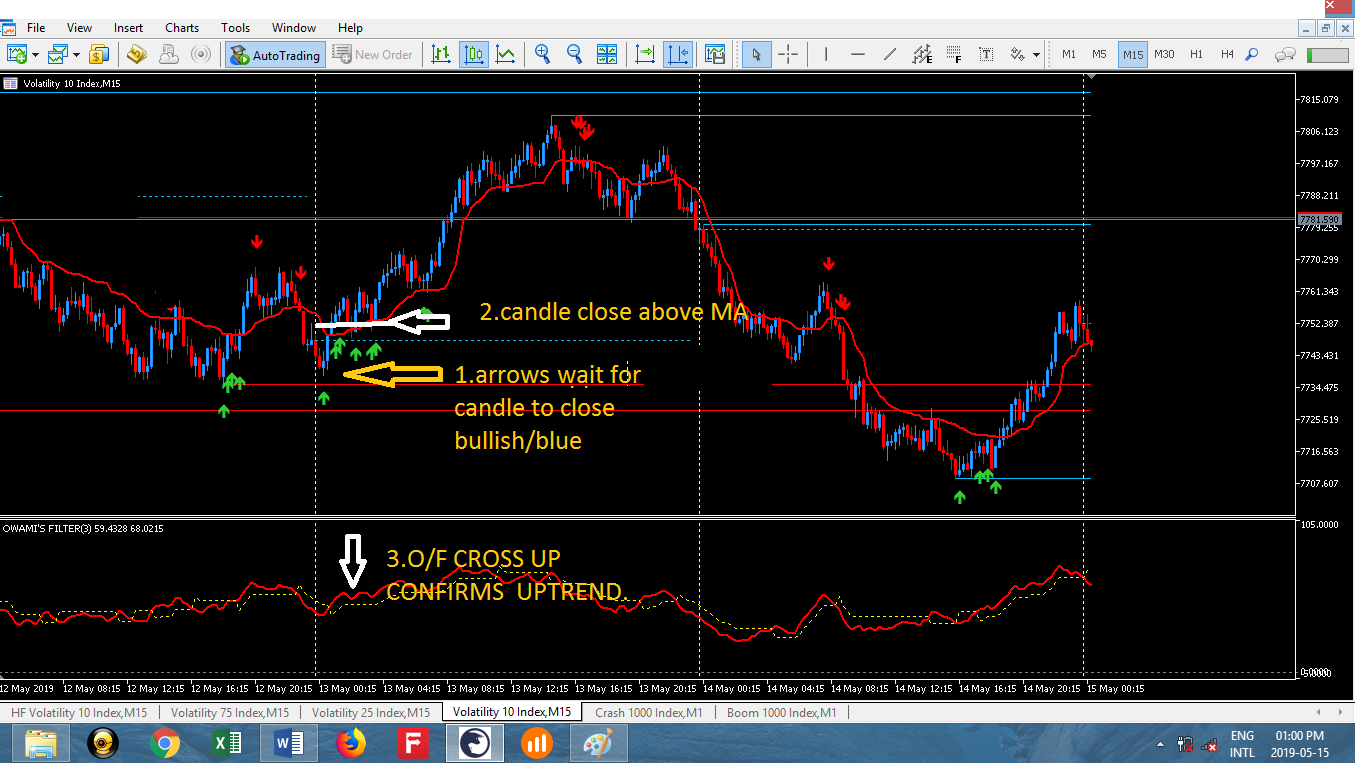
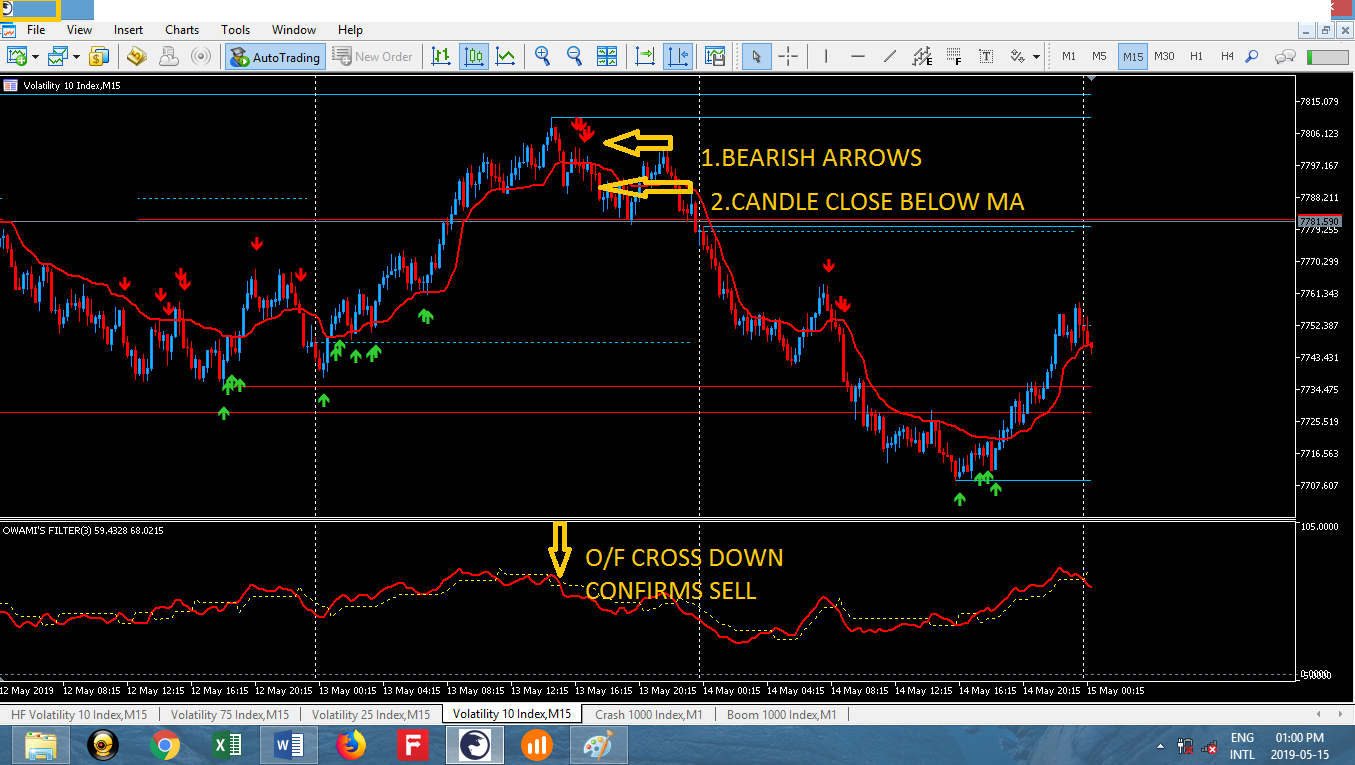
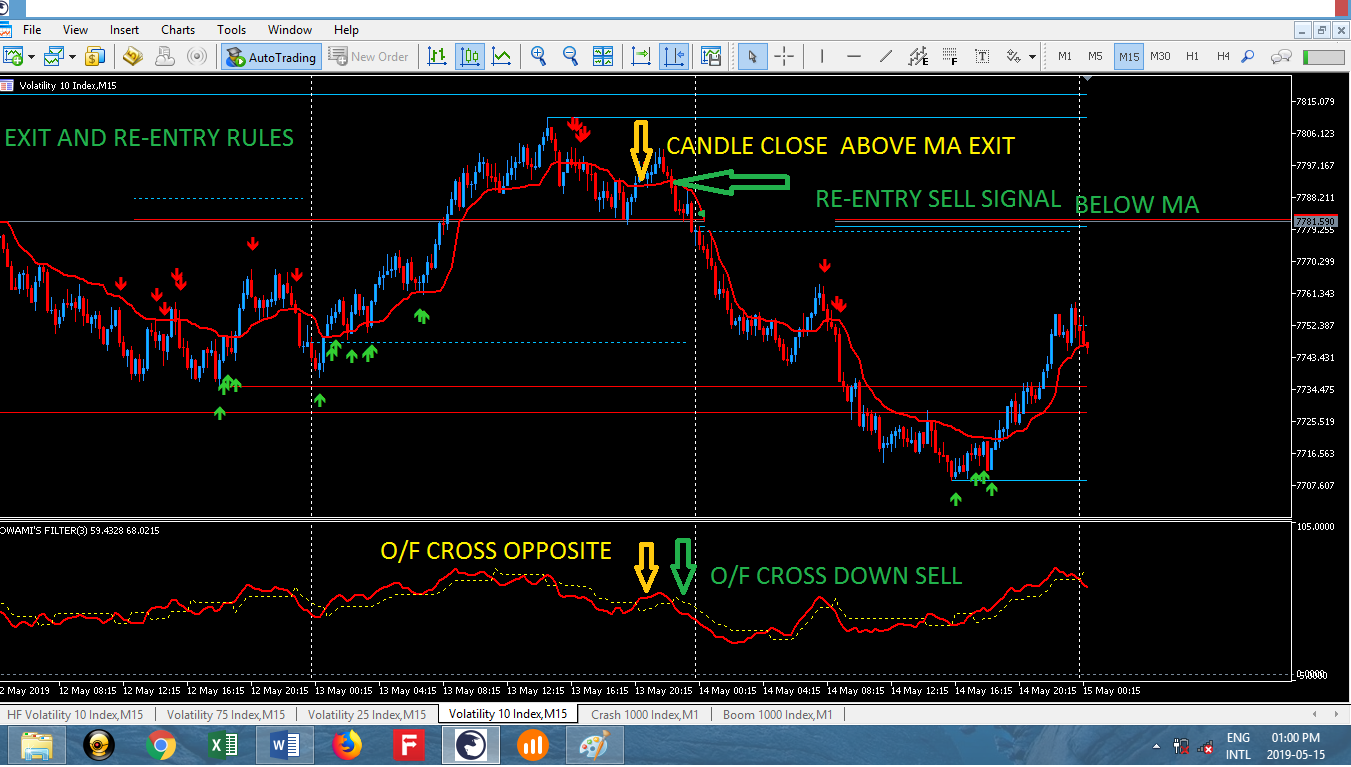
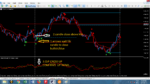
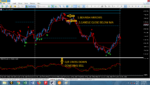
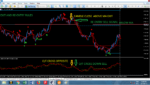
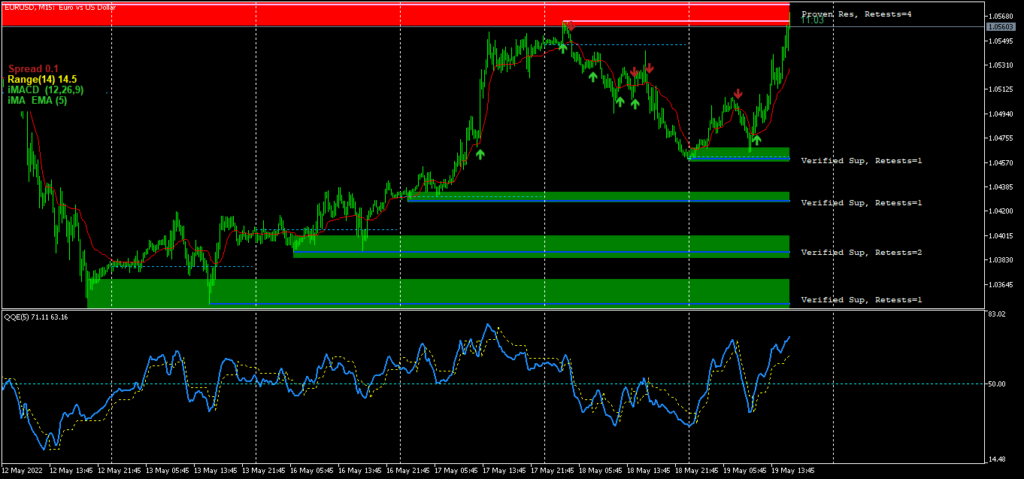
Precision Signal Engine: Real-time Buy/Sell arrows based on trend exhaustion and momentum.
-
Dual-Layer Confirmation: Integrated “Owami Filter” to verify signals and reduce market noise.
-
Trend-Following Logic: Visual Red/Green trend mapping for instant market bias identification.
-
Dynamic Entry Zones: Includes Daily Open, High, and Low levels for institutional price context.
-
Multi-Asset Compatibility: Optimized for XAUUSD (Gold), USD pairs, and major Indices.
-
User-Friendly Interface: Clean chart layout with a pre-configured .tpl template for instant setup.
-
Versatile Timeframes: Highly effective on M5 and M15 for intraday scalping and H1 for swing trading.







Reviews
Clear filtersThere are no reviews yet.